If you click Add New in the table, you will be taken to the creation page.
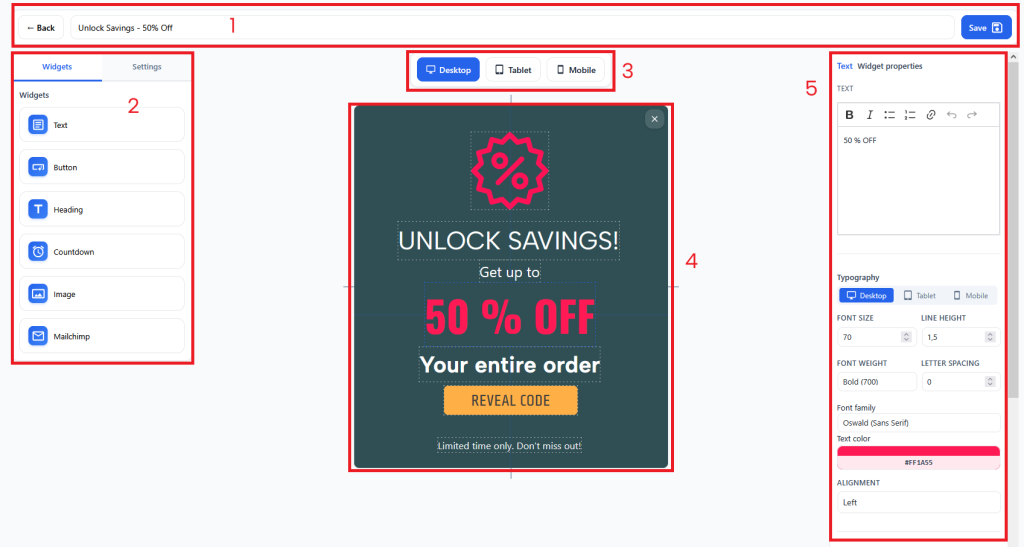
- 1 – Block for naming and saving changes
- 2 – Panel for selecting widgets and settings for pop-ups
- 3 – Popup display mode switches. Here you can configure the desired position of widgets for the required screen resolution without affecting other resolutions
- 4 – Canvas for widgets
- 5 – Widget settings
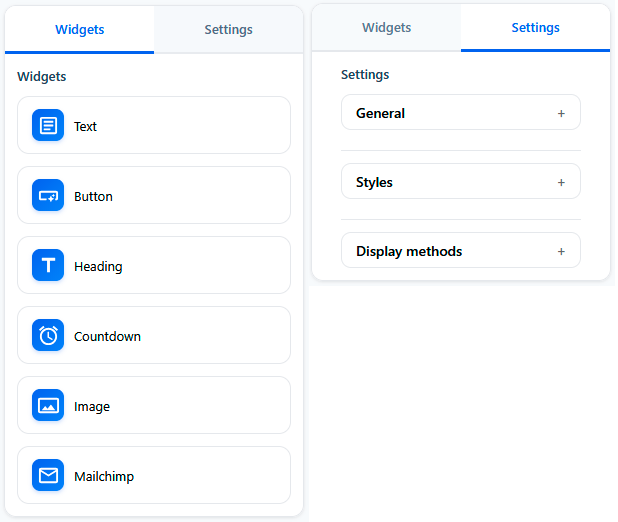
The left panel has a switch between widgets and popup settings.
- The first section contains widgets that can be placed on the canvas and configured.
- The second section contains general popup settings, such as background color, display conditions, or popup activation.