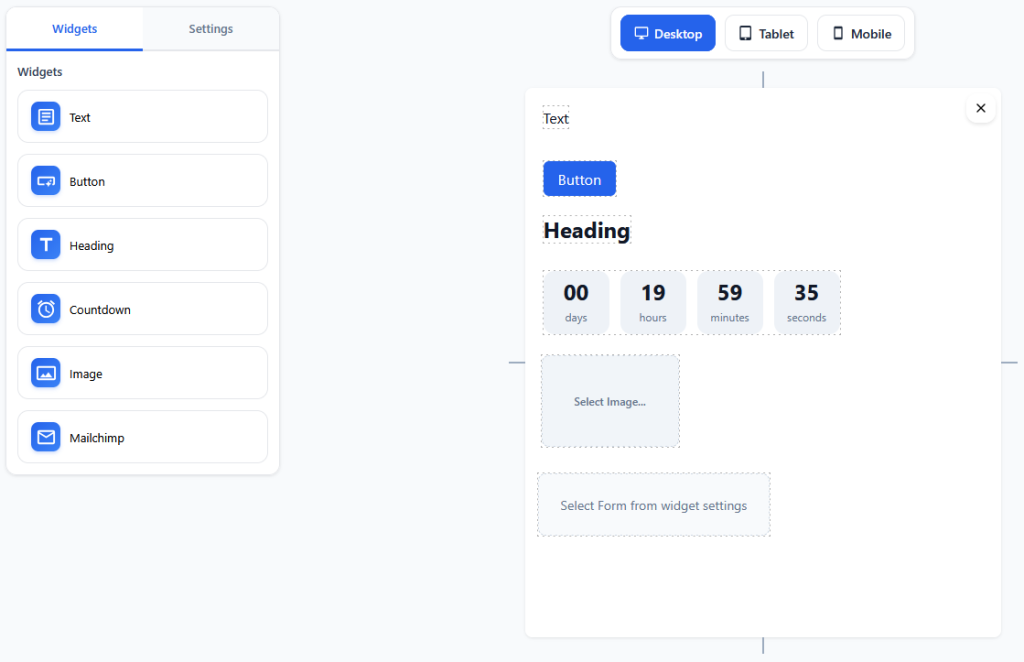
Currently, only 6 widgets are available:
- Text
- Button
- Heading
- Countdown timer
- Image
- Mailchimp form
To place a widget on the canvas, click on the widget in the left panel.
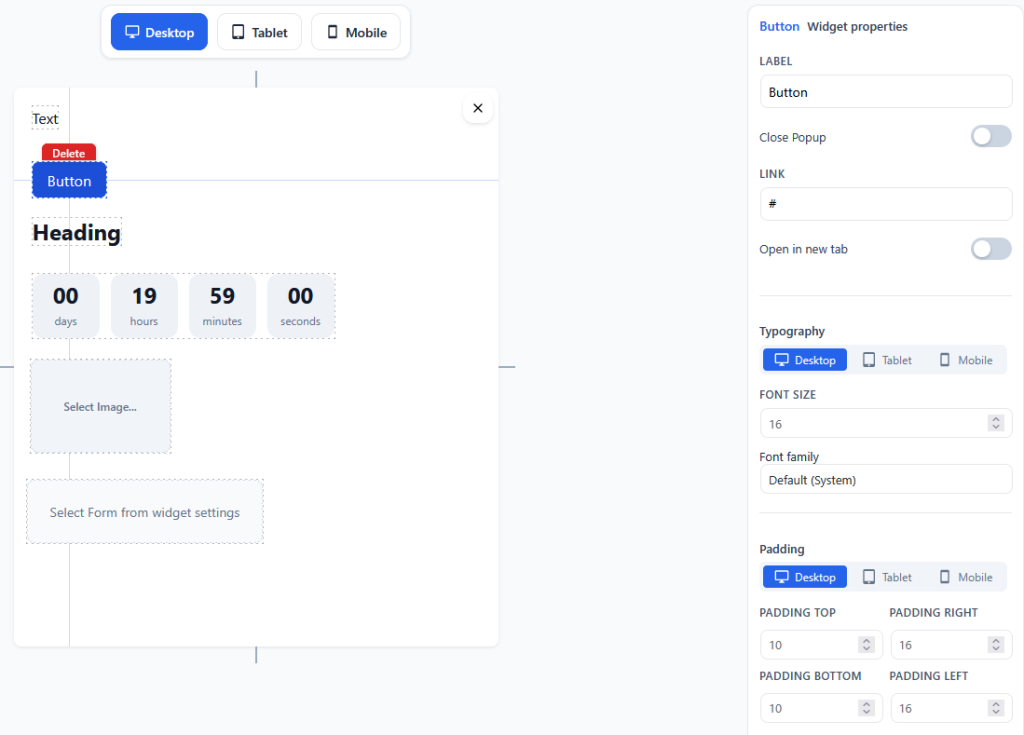
Each widget has visual style settings. You can view and use the settings by clicking on any widget on the canvas.
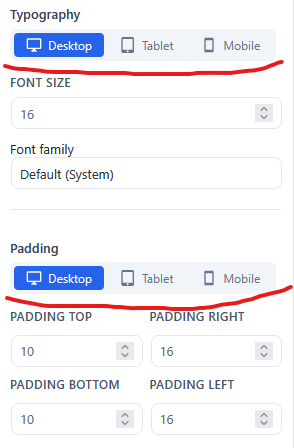
Some settings have screen permission switches. They allow you to configure styles for three types of screens.
- Desktop
- Tablet
- Mobile